

62·
7 days agoThe high variance is why I only use it for dead simple tasks, e.g. “create and array of US states abbreviations in JavaScript”, otherwise I’m in full agreement with you. If you can’t verify the output is correct the it’s useless.
The high variance is why I only use it for dead simple tasks, e.g. “create and array of US states abbreviations in JavaScript”, otherwise I’m in full agreement with you. If you can’t verify the output is correct the it’s useless.
I think the inherit issue is the current “AI” is inherently non-deterministic, so it’s impossible to fix these issues totally. You can feed am AI all the data on how to not sound AI, but you need massive amounts of non-AI writing to reinforce that. With AI being so prevalent nowadays you can’t guarantee a dataset nowadays is AI free, so you get the old “garbage in garbage out” problem that AI companies cannot solve. I still think generative AI has it’s place as a tool, I use it for quick and dirty text manipulation, but it’s being applied to every problem we have like it’s a magic silver bullet. I’m ranting at this point and I’m going to stop here.
Killing people en masse for being fucking morons is not as good of a take as you think it is.
Well I normally don’t agree with greedy corporations, but if it’s this I’ll give them one point. I think the score is now 3 to 1.5 million.

The place to start is searching “How to do x in Linux (or the name of the specific distro you’re using)?”. If you are trying to figure out how to do something with a specific program searching for “How to do x in {program} on Linux?”. I’ve been using Linux for years and still need to look up the syntax for commands or a reminder on how to do things. I would also focus on learning things that you actively need so you can apply what you learned immediately. I definitely agree with you that see what is actually installed can be a mess. There’s so many different installation methods that it’s nigh impossible to have a single unified interface. I would try to stick with one installation method as much as possible so most things are able to be listed in one spot.
For how to apply things it’s common to feel overwhelmed with the complexity of certain tasks. It’s important to try and break that down into smaller parts. An example of something I was recently dealing with was getting SSH access from an external network setup on a server that is running NixOS. There’s so many steps to take to get that setup, but each individual step is easy to do. I broke down the problem like this:
sudo dnf install openssh openssh-server. I can find those package names by running dnf search ssh or “SSH server on fedora”.sudo systemctl enable sshd and sudo systemctl start sshdI can go on, but each step I feel is simple to execute and doesn’t require knowledge from any subsequent step. As for how I know what the steps are, I am following some tutorials or docs online like this, digging through man pages, and personal experience.
First always take notes of the steps you took to do something. If you were throwing shit at the wall then try and do it again using only the correct steps. I have saved my own ass by taking down notes. Include the commands (obviously), what they do, why you’re using them, the expected output, and errors you came across with their solutions.
Since you said you wanted man pages to be easier to parse, I’ll give you some advice on how to approach these, admittly, intimidating blocks of text. One skill I have learned is how to read those intimidating technical documents and actually get the information I need from them. A good practice is take a tool, a programming language, data format, etc. that you already know and look at the technical specifications. Since you already know how it works you should be able to understand the information in there, and learn how to parse out that data. RFC 2119 also gives some guidance on some of the word usage in those documents (it’s very limited), and is a nice short one to get used to reading stuff like that.
Another thing is I just try shit out to see what happens. Would probably be a good idea to do this on a machine you don’t care about reimaging, or make a backup of all the data you care about losing. I’m a very learn by doing kind of person and have learned a lot this way
Finally if you have the time and knowledge looking at source code can really give you an understanding of how a tool works. This is my absolute last resort, so don’t think you have to do this.
Edit: I wrote this assuming you’re ok with getting into the nitty gritty of Linux. Otherwise I would recommend switching to a more user friendly OS. It looks like you’re trying to set it up for gaming, this is a guess and I could be wrong. I have been using Bazzite for about 6 months now, and the only times I have issues with it is when I try to do power user stuff that isn’t gaming related (e.g. trying to install a build tool to build something from source code).
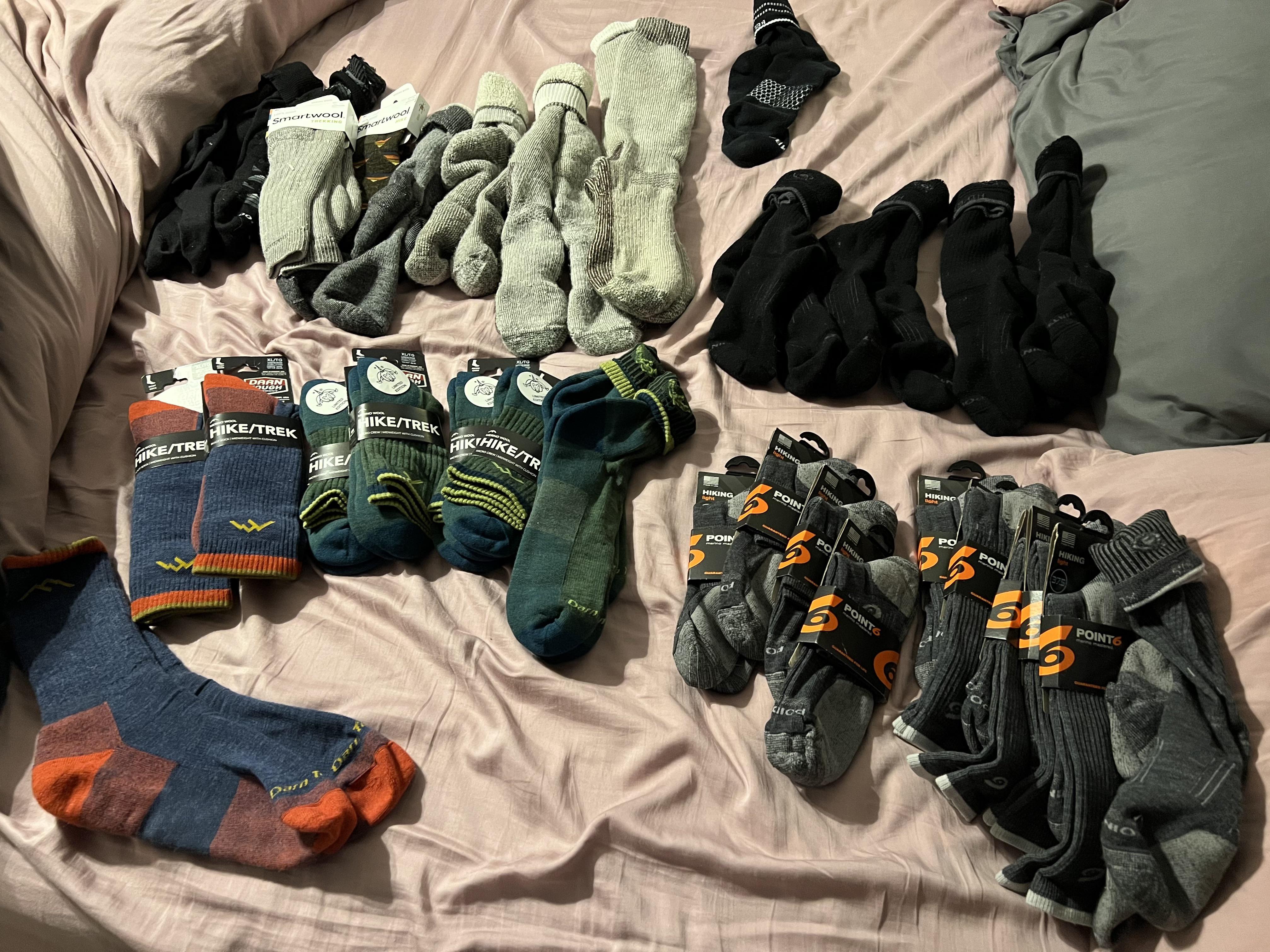
For the price they’re asking I actually expect them to stand by their product like that. Might give a pair a try. If I don’t like them then it’s more scrap cloth for me to make patches out of.
I was more interpreting the community name as deshittifying your own personal experience with different technologies that are FOSS or at the very least open source. Would be a good place to post when companies are forced to (or even choose) to do something that is significantly more consumer friendly.

Unironically this would be a handy app for people living alone. Shit can happen and having something like this could save lives. As long as the app respects your privacy (which I doubt this one does), it would be nice to have something that would send out an automated message to one or a few contacts to just check in on you. Heck I’m gonna try and make one myself, if anyone is interested I’ll update my comment with a link to the repo.

Good enough to remove the smoke salt from an overly salted dish, good enough to convince antivaxxers to vaccinate their kids. For context apparently you can throw in 2 halves of a potato to absorb some salt if you put too much salt in a soup, sauce, or something like those.
Yup this is the same lazy “journalism” that just makes arbitrary divisions between generations. Best thing to do is ignore and point out every generation had the exact same shit said about it if people bring it up

Yeah I don’t mind AI as another tool in the tool belt, but it’s being forced as the magic one-size-fits-all solution. Also the AI tools must be opt-in by default.

This is how I lost some collection of files that I had been procuring for years. Had it all on my local drive and with OneDrive disabled. Then it turned itself back on and suddenly my Hotmail account (old email for spam) was out of space. See OneDrive has tried to upload all of those files , so I delete it from OneDrive. For my hubris I was punished by having those files irrecoverably deleted from my computer as well. So glad I made the jump to Linux where user choice is actually fucking respected.
Yeah I really need to get back into lifting.
I think I can maybe deadlift that much if I’m warmed up good job OP.
Well so far I’ve avoid children and have had 0 issues with my close friend group
The secret is playing by yourself, or with close friends on a private server. I by default don’t have to deal with children (at least physically, some of my friends may still be children mentally).

Do you have data in how many people that downloaded the demo bought the he game?

I did some vague streaming stuff for some friends and really enjoyed playing around with OBS to get some overlays and stuff. As long as you’re getting into it cause you find it fun, I see no reason to not try it. Just keep in mind you’ll probably not make it big and this will remain what it starts as: a hobby. Don’t let others deter you from trying atuff out. Even If it’s not your thing you learned some skills and what you like/don’t like.





Backpacks are how I learned why a lot of purse’s end up as black holes of miscellaneous shit. You think, “oh that like be handy to have just in case”, and next thing you know you’re carrying around half of a house in your backpack.
Stealth edit: I’m bad at verb conjugation sometimes.