

Thanks, I created a first sketch+pad for the top plate on the XY plane, the the side plate on the XZ plane, now the side plate sit at the center of the top plate, how should I move it to the side of the top plate?
- 5 Posts
- 7 Comments
Joined 2 years ago
Cake day: November 22nd, 2023
You are not logged in. If you use a Fediverse account that is able to follow users, you can follow this user.
Thanks. I just discovered the spreadsheet and aliases, pretty straightforward to use the values in the sketch. Now I have yet to find out how to create multiple parts.
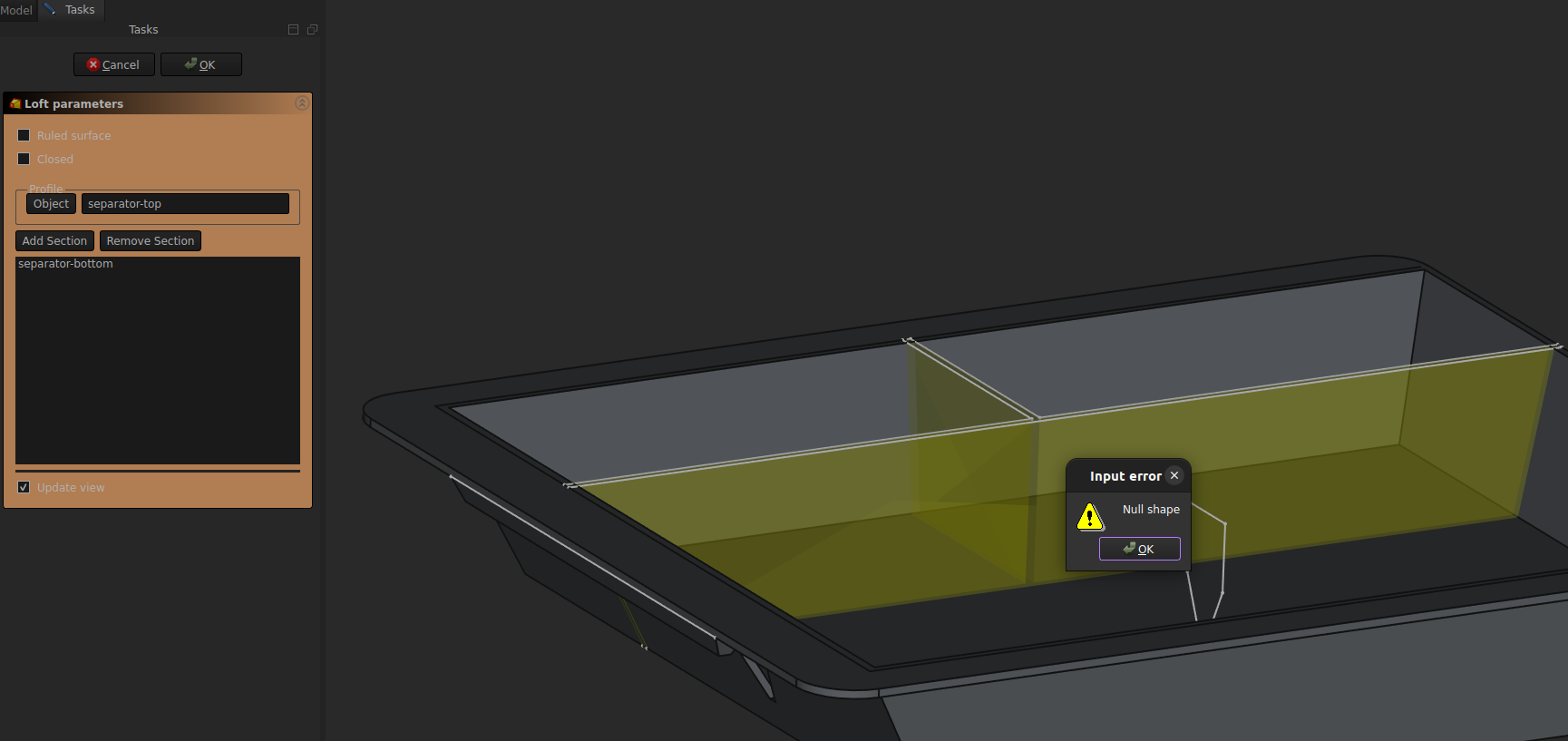
I moved the sketches for the loft so they won’t intersect the main box. And it works that ways. It’s strange, and I’m not sure it’s the real reason it failed before.
Thanks, I verified the sketches twice, there’s no open wire. Fun fact, if I delete all the other objects, Freecad can happily make the loft…
thanks, I’ll try that. so far I only used the Part Design and Sketecher workbenches, I’ll try the Draft.
3D printing, I plan on placing the left angled side (of the top left sketch) on the printing bed, this way I should avoid supports.


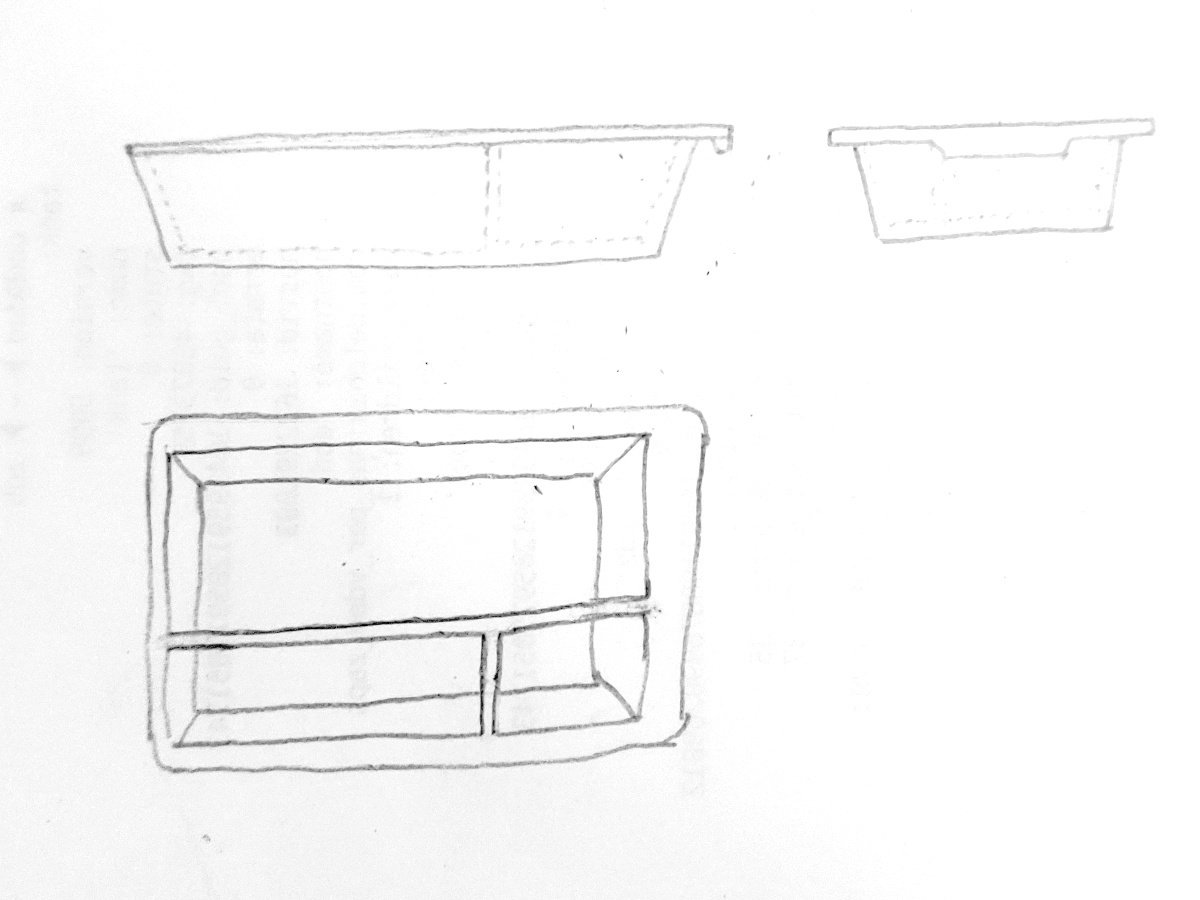
Thanks a lot, lot of extremely useful points.
I was able to make what I wanted. I share my basic box model here, all dimensions are from the spreadsheet. I’ll add more complexities for my personal project. https://drive.google.com/file/d/1VGQb9p0G_uOlvEQuEZNkt2TiBsSuiA73/view?usp=sharing
Aslo, Is there an easy way to retrieves all the sketches with dimensions in order to print it ?