0x4E4F@sh.itjust.works to linuxmemes@lemmy.world · 3 years agoLinux terminal users be likesh.itjust.worksimagemessage-square98linkfedilinkarrow-up1690arrow-down118
arrow-up1672arrow-down1imageLinux terminal users be likesh.itjust.works0x4E4F@sh.itjust.works to linuxmemes@lemmy.world · 3 years agomessage-square98linkfedilink
minus-squarePlasticExistence@lemmy.worldlinkfedilinkarrow-up2·3 years agoFor real. Alternatively use alias to reassign a command to something shorter if it’s one you’re always searching for later. I use ‘update’ as an alias for ‘apt update && apt upgrade -y && apt autoremove && apt autoclean’
minus-squareianhclark510@lemmy.blahaj.zonelinkfedilinkarrow-up2·3 years agoyou’re amazing, this is going to change how I use fish
minus-square2ez@lemmy.worldlinkfedilinkarrow-up1·3 years agoOr the history substring search plugin for zsh showing inline history as you type, like fish.


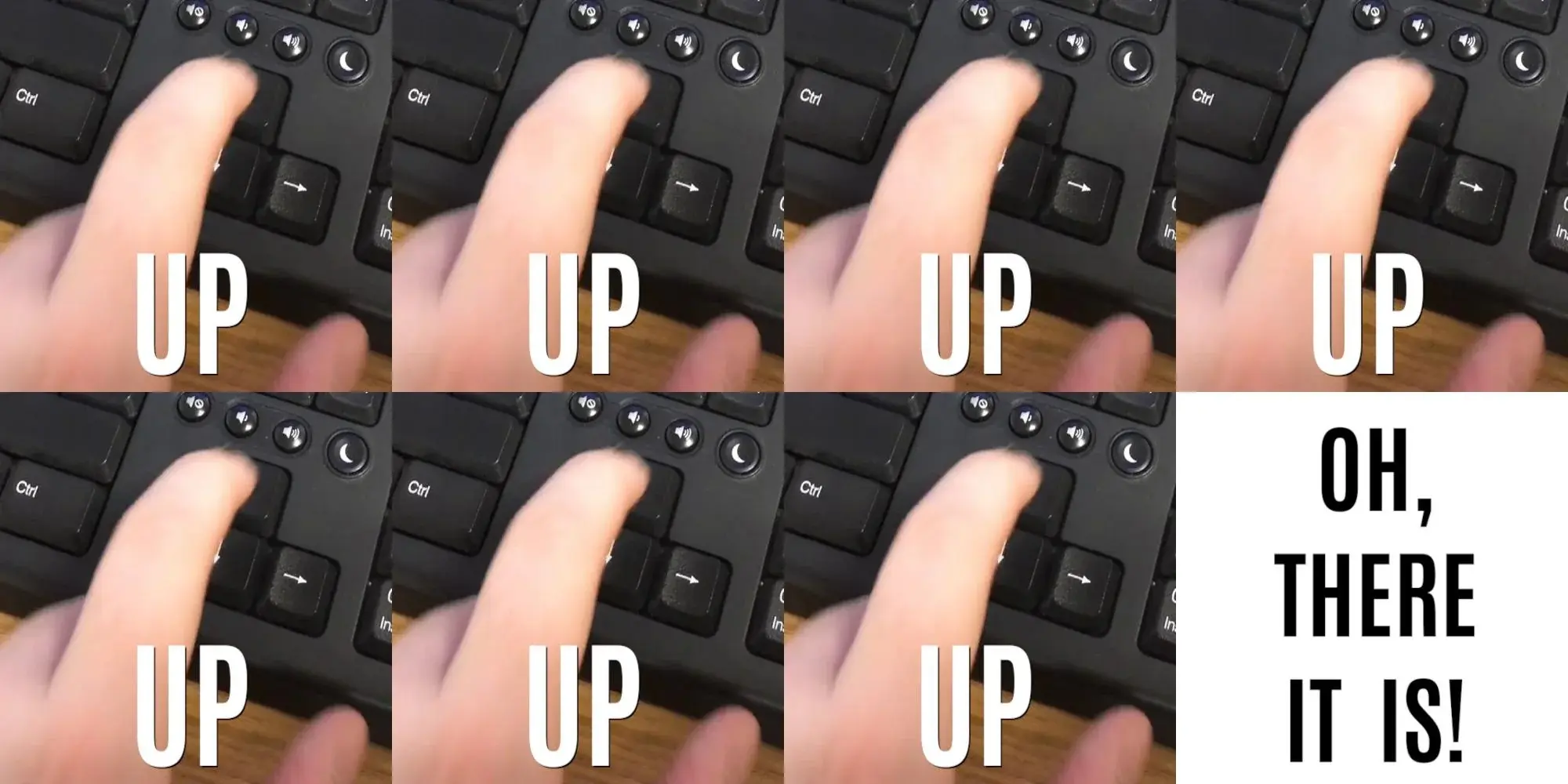
Bruh. Ctrl-r
For real. Alternatively use alias to reassign a command to something shorter if it’s one you’re always searching for later. I use ‘update’ as an alias for ‘apt update && apt upgrade -y && apt autoremove && apt autoclean’
you’re amazing, this is going to change how I use fish
Or the history substring search plugin for zsh showing inline history as you type, like fish.